Security | Threat Detection | Cyberattacks | DevSecOps | Compliance

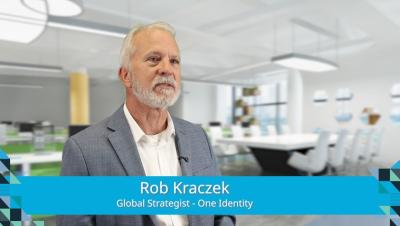
Controlling non-human identities in your enterprise with One Identity

With every organization vying to automate away their cybersecurity problems, it’s easy to allow the machine identities taking on formerly manual tasks to become entryways for threat actors. Learn the must-haves for securing the non-human identities streamlining your organization with One Identity sales engineer Rob Kraczek.
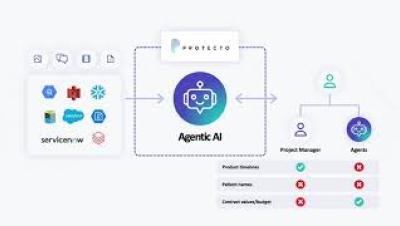

Why Smart Companies Are Moving to Context-Based AI Security

AI consumes massive volumes of unstructured data — emails, documents, reports, and prompts. Hidden within them are sensitive details: customer PII, salary data, intellectual property, and confidential financial information. Without the right safeguards, one innocent prompt can lead to costly data leaks, compliance violations, and privacy risks. Traditional security tools like RBAC, DLPs, and prompt filters weren’t designed for AI. They fail because AI doesn’t see folders — it consumes raw context. That’s where Protecto’s Context-Based Access Control (CBAC) comes in.

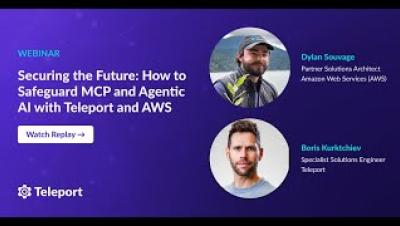
Securing the Future: How to Safeguard MCP and Agentic AI with Teleport and AWS

As enterprises rapidly adopt agentic AI and large language models (LLMs) to automate critical business processes and access sensitive data, the traditional security playbook is no longer sufficient. The Model Context Protocol (MCP), a new connector for AI systems like Amazon Bedrock Agents, is revolutionizing enterprise integration—but it also introduces new risks. Join us for an in-depth session exploring how to secure MCP-based AI architectures using Teleport’s Infrastructure Identity Platform and AWS. We’ll cover.

GitGuardian MCP Sever - Example Use Cases and Installation

In this video, learn how to set up and use GitGuardian’s new MCP (Model Context Protocol) server to bring secrets security and Non-Human Identity (NHI) governance directly into your AI-powered IDE, like Cursor or Claude Desktop. GitGuardian Developer Advocate Dwayne McDaniel shows how to install the MCP server and run real use cases—like scanning for secrets, listing incidents, and creating honeytokens—all from inside your coding environment. Ready to embed security where code is written?