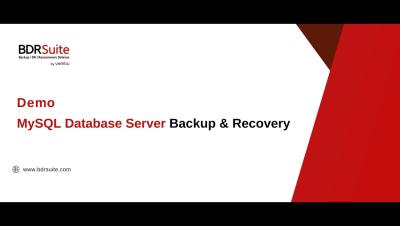
In this BDRSuite demo, I'll guide you through configuring backups for your MySQL Database Server and restoring your data when needed. BDRSuite offers database-level backup for MySQL with flexible storage options, granular recovery, centralized management, and more.
In part 1 of our Threat Hunting for macOS webinar series we explored basic use cases for utilizing macOS Unified Logging (MUL) and system telemetry to uncover suspicious behavior. Building upon this foundation, in part two we explore more intricate use cases and tap into third-party logs to uncover sophisticated attack TTPs.
Learn how the asset inventory provided by Splunk Asset and Risk Intelligence delivers a much-needed source of truth, bringing together different sources, helping to discover previously unknown assets, and delivering context and enrichment for key cybersecurity activities.
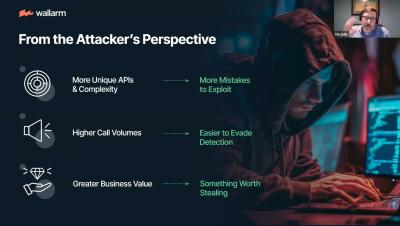
Mergers and acquisitions can expose critical API vulnerabilities, often overlooked due to poor documentation and lack of standardization. Learn about the hidden risks that can lead to delayed incident response and compromised security during M&A processes.
In today’s rapidly evolving digital landscape, where application programming interfaces (APIs) are becoming the backbone of technology infrastructure, the need for robust management and security measures have never been more critical. With the surge in API use and the corresponding increase in threats, protecting Mulesoft environments has become a top priority.
Part 2 of Cameron's conversation with solutions engineer and experienced SOAR engineer Sif Baksh features a quick walkthrough of a simple but powerful workflow. This is a really interesting use of Tines Pages & Resources to simplify an impactful security use case. It also leverages GitHub and Cobalt Strike.