Mailchimp
Not subscribed to OpsMatters Newsletter


At CrowdStrike, we stop breaches. It’s a simple yet powerful promise to our customers, our partners and to the world. As thousands join us today in person at Fal.Con 2022 in Las Vegas, and thousands more watch remotely via livestream, it’s a promise that we want to reinforce and extend. As cyberattacks have grown more powerful and disruptive, the importance of stopping the breach has grown. Stopping the breach is about more than stopping a single attack.
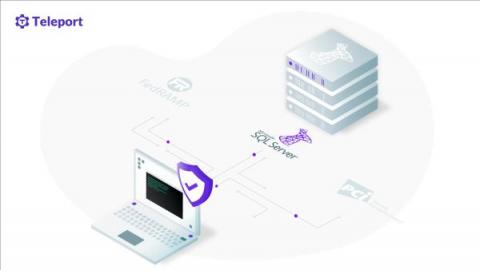
Support for Microsoft SQL Server was added in our Teleport 9 release, along with support for Redis and MariaDB. In this post, we'll specifically be looking at Microsoft SQL Server and will cover how to connect to it remotely using Teleport. Before we get into the steps of accessing SQL Server with Teleport, let's briefly go over a few recommended security postures with SQL Server and how Teleport actually helps to implement them.
In cybersecurity, one thing is certain: the bad guys are relentless. They never stop working and scheming to find new ways to attack weaknesses in data security. Their objective is criminally simple: breach organizations to steal and monetize data. And they use every means possible to do it. On the other side are cybersecurity companies and the professionals who work for them. We never stop working to improve our products and services to protect our customers from those global threat actors.
Most organizations—across almost every industry—have been forced to implement extensive digital components to their everyday operations so they can function efficiently. With this shift, cybersecurity awareness is permeating every business department and as malicious activity skyrockets, the role of security teams is becoming even more prominent across business functions.