Keeper 101 - How to Create Your Keeper Account

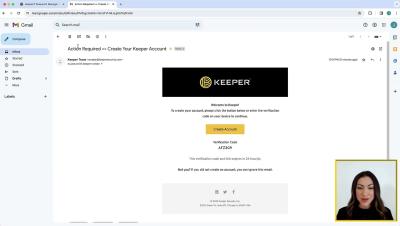
To create your Keeper Account, visit keepersecurity.com and hover your cursor over the “Login” dropdown and select Web Vault, then click Create an Account. Enter your email address and click Next. You will be prompted to set and confirm a master password. Don’t forget your master password! Since this password will unlock all of your other passwords in your Keeper Vault, it is critical that you set a strong master password using upper and lowercase letters, numbers and symbols.


Keeper 101 - How to Create Your Keeper Account on iOS

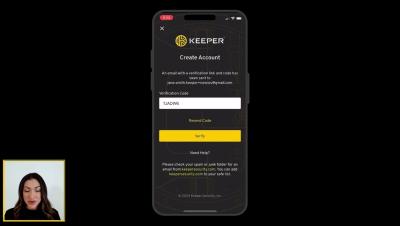
Signing up for Keeper's iOS mobile app is easy. Simply visit the App Store on your device, search for Keeper, and install “Keeper Password Manager”. Once the download is complete, tap Open to launch Keeper. Tap Create Account to get started. Enter your email address and tap Next. You will be prompted to set and confirm a master password. Don’t forget your master password! Since this password will unlock all of your other passwords in your Keeper Vault, it is critical that you set a strong master password using upper and lowercase letters, numbers and symbols.
Hunting For Integer Overflows In Web Servers

Allow me to set the scene and start proceedings off with a definition of an integer overflow, according to Wikipedia: To be inclusive of all audiences here, in software security we’ve got sources (typically user input) and sinks – where that input (the data) ends up. In order to overflow something (e.g. an integer overflow) we clearly need some way to be able to do that (think pouring water from a kettle into a cup), and that’s the source (us using the kettle) to overflow the cup.