Security | Threat Detection | Cyberattacks | DevSecOps | Compliance

New ESG Research Report Outlines Best Practices for Effective Application Security Programs

New research from TechTarget’s Enterprise Strategy Group (ESG) has identified that organizations’ application security programs struggle to keep up with the pace of software development, and it reveals best practices to secure modern software applications.

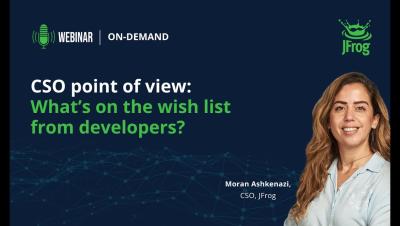
Unveiling Secrets Detection with JFrog Frogbot

In today’s interconnected world, secrets are the keys to unlocking sensitive data and systems. Like hidden gems for attackers, any inadvertent exposure of these secrets could lead to data breaches, unauthorized access, and security compromises. As organizations adopt DevOps practices, artifacts containing secrets are often stored and shared across various stages of the software supply chain, amplifying the risk of exposure.

IT admins are just as culpable for weak password use

New data from Outpost24 reveals that IT administrators could be just as predictable as end-users when it comes to passwords. An analysis of just over 1.8 million passwords ranks ‘admin’ as the most popular password with over 40,000 entries, with additional findings pointing to a continued acceptance of default passwords.

GitGuardian Can Update Pull RequestsWith GitHub Check Runs

Did you know that GitGuardian can add comments directly to your GitHub pull requests and even stop a PR from succeeding if it contains any hardcoded secrets? When a new pull request is created, a new check run is performed, and GitGuardian will scan through each commit inside the PR, not just the most recent one. If someone added a secret to an early commit, but then removed it right before making the PR, you still need to know it is present in the git history so you can address it.

Integrate GitGuardian With Your Azure Repos

Are you building your applications on Azure? Good news, it is now easier than ever to integrate GitGuardian with Azure repos. Azure is one of the most popular cloud platforms out there. Now, GitGuardian users can integrate their Azure Repos in two different ways: at the organization level or the instance level.