Security | Threat Detection | Cyberattacks | DevSecOps | Compliance

How to Make Container Security Threats More Containable

As cloud adoption and digital transformation increases, more sensitive data from applications is being stored in data containers. This is why effective container security controls to securely manage application connectivity is an absolute must. AlgoSec CTO and Co-Founder, Prof. Avishai Wool provides some useful container security best practices to help you do just that.
Free and Protect Kubernetes Data with CloudCasa and Ondat

The adoption of Kubernetes and its ecosystem has continued its rapid growth, with over 5.1 million developers worldwide now using Kubernetes. Developers are adopting and utilizing Kubernetes to manage containerized workloads and services. Kubernetes has many benefits for organizations and developers including auto scaling, automated deployment and rollback, self-healing, loading balancing and application centricity.

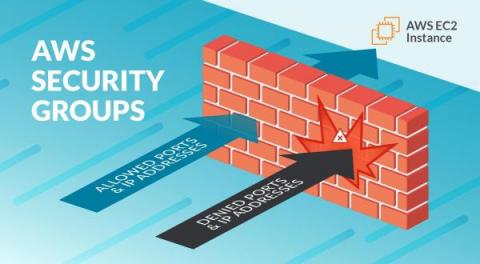
AWS Security Groups Guide

AWS Security Groups (and Network ACLs and VPCs) are some of the fundamental building blocks of security in your cloud environment. They are similar to firewalls but are not the same thing. You have to understand this topic very well before you begin building in the cloud, because there are some subtle differences in how they are used, and you need to follow best practices. You should know your public cloud provider is contractually bound to honor its side of a shared responsibility model.

Implementing zero-trust workload security on Amazon EKS with Calico

Whether you’re migrating to the cloud via lift-and-shift deployments, or re-architecting to a cloud-native architecture, the migration itself and adopting a microservices architecture is no easy feat. To accelerate their cloud-native journey, many organizations opt for a managed Kubernetes service, as the skill and resources required to run a container orchestration system at scale are demanding.

The Quiet Victories and False Promises of Machine Learning in Security

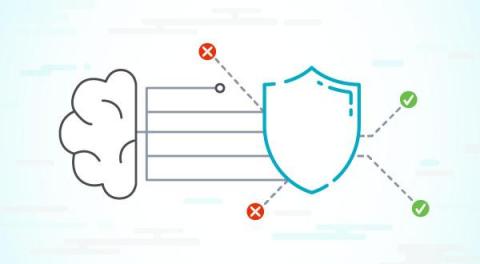
Contrary to what you might have read on the Internet, machine learning (ML) is not magic pixie dust. It’s a broad collection of statistical techniques that allows us to train a computer to estimate an answer to a question even when we haven’t explicitly coded the correct answer into the program.

Best practices for containerizing .net applications

Containerization with Docker has become a major trend in web application development that many.NET developers have adopted. There are many compelling advantages for developers and DevOps engineers to containerize.NET applications, even when working with the older.NET Framework 4.x versions. However, if we don’t know how to use containers properly, we’ll experience little benefit from them.

Using Containers Responsibly

Tools to package your applications and services into container images are abound. They’re easier to use and integrate into your CI/CD pipelines now more than ever. We can appreciate these advancements in the form of time savings and decreasing complexity when deploying to a cloud native environment, but we cannot completely ignore the details involved in these technologies. It’s tempting to take simplicity for granted, but sometimes we do this at the expense of keeping our software safe and secure!

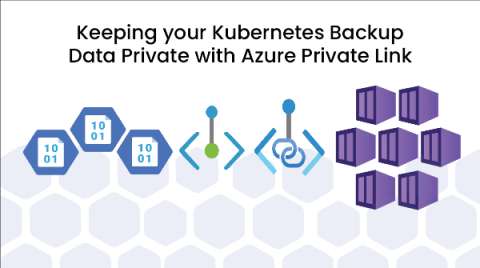
Keeping your Kubernetes Backup Data Private with Azure Private Link

At CloudCasa, as a cloud-native backup-as-a-service provider, we are often dealing with customer concerns about the security and privacy of their data. Sometimes the concern is almost paradoxical because the data and application they are protecting is publicly accessible and running inside the public cloud. However, there are times when organizations use public cloud infrastructure with a network architecture that resembles a private cloud.

Securing container applications using the Snyk CLI

When scanning an image you probably want to scan for both operating system vulnerabilities and vulnerabilities in the application dependencies (like npm, pom.xml, package.json etc), in order to get a full picture of the security issues within your images. Until now, when using the Snyk Container test/monitor commands to scan images you had to specify the --app-vulns flag in order to scan for application vulnerabilities.