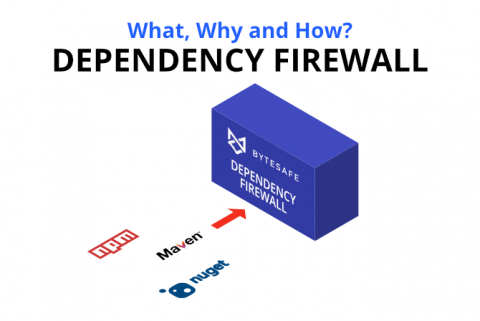
What is a Dependency Firewall? What, Why and How?
In recent years more open source vulnerabilities have been discovered than ever before. This is all part of the natural evolution; it’s what we expect to see as the amount of open source usage grows within organizations. But there’s something that we missed in this equation: while identifying vulnerabilities, organizations haven’t found a way to block unwanted dependencies, which made them vulnerable to attacks like never before.