Just released! AT&T Cybersecurity Insights Report: 5G and the Journey to the Edge

We are certainly in unique times, with COVID driving digital transformation at an unprecedented pace, remote work appearing to be long term, and the specter of new threats looming over security professionals as they strategized how to protect a rapidly changing business and tech landscape. To use perhaps one too many cliches: it is the best of times, it is the worst of times, the times are a changin’, and a change will do you good. No really, it will.
What is Access Control?

Access control is a security technique that regulates who or what can view, use or access a place or other resources. It is a fundamental concept in physical security and information security designed to minimize risk. At a high level, access control is about restricting access to a resource. Any access control system, whether physical or logical, has five main components: Access control can be split into two groups designed to improve physical security or cybersecurity:

What is the best way to protect my PHP code?

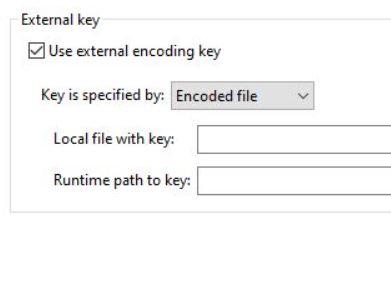
The simple answer is to use a compiled code tool and implement as many security features as possible, but sometimes time can be a factor and other matters take precedence so less time goes into security. If your code is valuable then you really should spend time adding more layers of code protection (obfuscation, script licensing, encryption) and there is one feature in particular which sets ionCube apart from other tools, offers advanced protection for your PHP code and is fairly quick to setup.

Nature vs. Nurture Tip 2: Scan Frequently and Consistently

In our first blog in this series, Nature vs. Nurture Tip 1: Using SAST With DAST, we discussed how this year’s State of Software Security (SOSS) report looked at how both “nature” and “nurture” contribute to the time it takes to close out a security flaw. We found that the “nature” of applications – like size or age – can have a negative effect on how long it takes to remediate a security flaw.

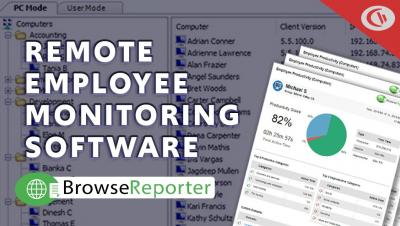
Remote Employee Monitoring Software - How To Audit Employee Computer Activity | CurrentWare

⚠️UPDATE 2021⚠️ This video is from a legacy version of BrowseReporter. In this video CurrentWare’s product manager Sai Kit Chu shows you how to monitor the computer usage of employees that work from home. This video provides an overview of CurrentWare's remote employee monitoring software. Get the FREE trial to see what your remote employees are doing during work hours. This snippet was taken from our webinar "Best Practices for Managing Productivity and Security of Remote Workers".

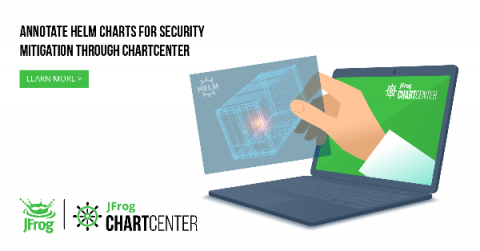
Adding Helm Chart Security Mitigation Notes to ChartCenter

Earlier this year, we launched ChartCenter, our newest community platform to help Kubernetes developers find Helm charts. This new free Helm central repository was built with chart immutability  in mind— meaning every version of a Helm chart and every version in ChartCenter will always be available even if the original source goes down.

Could electric vehicles present a Cybersecurity risk to the grid?

With many countries now participating in the Paris Agreement to address climate change, coupled with the rising popularity of electric vehicles, it is expected that 125 million electric cars will be on the road worldwide by 2030. But these cars, although beneficial to the environment, come with cybersecurity risks. According to experts, security concerns should be addressed before a massive rollout of electric vehicles take place.