Security | Threat Detection | Cyberattacks | DevSecOps | Compliance

RKVST for Dropbox - bring provenance to your Dropbox files

Bring provenance to your Dropbox files with RKVST. How can you prove that your work is original, authentic, and trustworthy? How can you protect it from being copied, manipulated, or misused? That’s where RKVST comes in, documenting the origin, history, and validity of your content, such as text, images, audio, or video, so you can prove where it came from. With RKVST you can: And with RKVST for Dropbox creating and recording the provenance metadata is as easy as a click of a button. Watch our video to find out how.

Breaking down Cyber myths! #shorts

Delve deep into Cyber Resilience with RKVST in just under a minute! This short clip demystifies Cyber Security, emphasizing the real needs of businesses - resilience and security that supports operational objectives. 🌐 Quick Insights: Understanding Cyber Security beyond 'buying one security' Unpacking the essence of business resilience with RKVST.

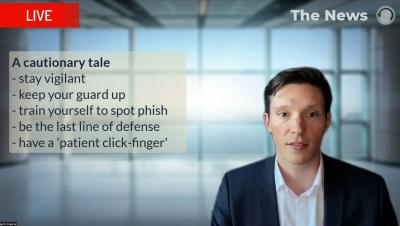
Watch out for Frankenphisher - Cybersecurity Awareness Month 2023

Imagine an artificial intelligence (AI) system developed by a mad scientist to leverage the full capabilities of Large-Language-Models (LLM). Then, the scientist went truly mad by utilizing text, voice, and video generation paired with mutating and self-perpetuating malware, as well as continuous improvement through reinforcement learning. The concoction you would get from the scientist’s wild lab is called Frankenphisher, the most effective social engineering AI you can possibly imagine.

Auto-resolve Incidents When Valid Secrets Are Revoked With GitGuardian Playbooks

Many teams choose to mark incidents as resolved once the secret involved has been revoked or rotated. With the GitGuardian auto-resolution playbook, you can automate the remediation process, saving you a step any time a credential becomes invalid. This works for both real-time detection and all historical incidents whenever an incident is re-checked for validity.