Security | Threat Detection | Cyberattacks | DevSecOps | Compliance

Create an API Specification Scan

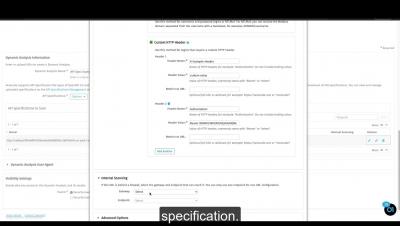
Traditionally Veracode Dynamic Analysis has targeted applications with a Web user interface. But increasingly, web applications are composed of many small microservices, many of which have Representational State Transfer (REST) interfaces with which the UI layer communicates. With API scanning, you can now scan the APIs of your microservices earlier in the software development process, before they are integrated into a web application.

Software Composition Analysis Mitigates Systemic Risk in the Popular NPM Repository

Chris Wysopal, Veracode Chief Technology Officer and Co-Founder, recently sat down to discuss the open source supply chain attack on the popular NPM repository. Below is the transcript and corresponding video of his reaction.

Veracode Co-Founder & CTO Chris Wysopal talks to BBC World News

Chris Wysopal joined BBC World News for an interview to discuss the global outage of Facebook, WhatsApp and Instagram. He explored the cause of the outage and explained how the platform’s dependency on its network highlights the importance of mitigating systemic risk.

View Dynamic Analysis Results

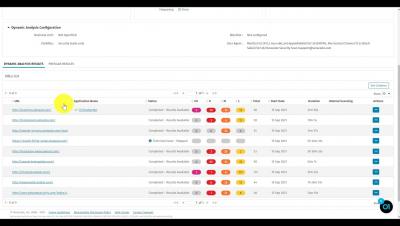
In this video, you will learn how to view Dynamic Analysis results. Veracode Dynamic Analysis is a Dynamic Application Security Testing (DAST) solution that delivers an automated and scalable dynamic scanning capability that enables broad coverage at speed. Because security threats are always evolving, organizations need a product that enables them to start scanning quickly and scale when the security programs and coverage increase.

Create a Custom Policy in the Veracode Platform

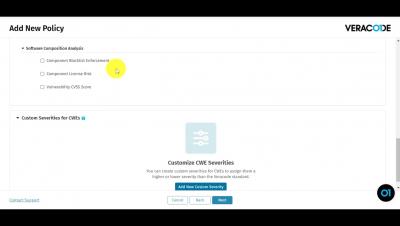
In this video, you will learn how to create a custom policy in the Veracode Platform. The Veracode Platform enables you to create an application security policy against which you can evaluate and measure your applications. You can create, edit, or delete a policy. You must have the Policy Administrator role to perform policy maintenance activities. Policies can comprise one or more of the following types of requirements for your applications: rules, scan requirements, and remediation grace periods. You define the requirements while creating a new policy.


Use the Jenkins Credentials Binding Plugin to Protect Your Veracode Credentials

In this video, you will learn how to: You can use the Jenkins Credentials Binding Plugin to hide your Veracode API credentials from the Jenkins interface and logs. You use the plugin to associate, or bind, your Veracode API credentials to environment variables and save them to the Jenkins credentials store. During a build, Jenkins uses the environment variables to secretly access your credentials. The Jenkins interface and logs only show the bound environment variables.