Security | Threat Detection | Cyberattacks | DevSecOps | Compliance

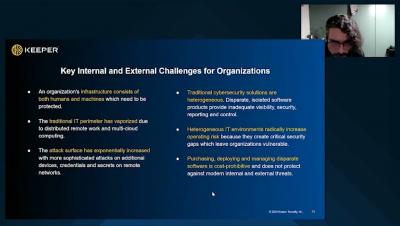
What's New at Keeper Security - January 2023

We are kicking off 2023 with a number of new features, improvements and security updates to Keeper’s growing line of award-winning security solutions. Keeper prides ourselves in a culture of innovation to continually improve security and functionality for our customers – both businesses and consumers alike.
Tips to Clean Up Your Digital Footprint

Your digital footprint could make or break critical aspects of your life from getting into college to landing a new job. It’s important to clean up your digital footprint so that it doesn’t negatively impact you. You can clean up your digital footprint by deleting any accounts you don’t use anymore, not sharing personal information on social media and by using a password manager. Read on to learn more about digital footprints and what you can do to keep yours clean.

Tips for Better Password Management

Even as more advanced forms of authentication, such as biometrics, are developed and implemented, passwords continue to be a commonly used form of authentication. This is partly due to the fact that they are relatively simple to implement and require little infrastructure to support. However, the fact that they are so widely used also means that they are a common target for hackers, which is why it’s so important to use strong, unique passwords and manage them properly.

How Can I Help My Elderly Relatives Remember Passwords?

The best way to help seniors remember passwords is to get them a password manager that is easy to use. Password managers eliminate the need to remember multiple passwords, so they will only have to remember one master password. Continue reading to learn why a password manager is the right option for helping the seniors in your life remember their passwords.

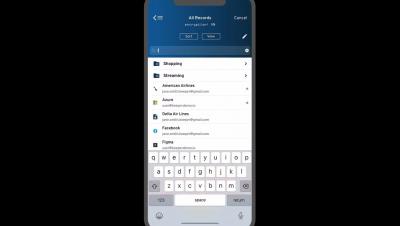
Two-Factor Authentication (2FA) Setup on iOS

Introduction For added security on supported websites and apps, use Keeper to store two-factor authentication codes. When setting up 2FA on a site or app, Keeper for iOS can serve as your time-based one-time password or “TOTP” generator. This video will review how users can easily add a two-factor verification setup code or secret key from a website or app to a new or existing Keeper record.