Security | Threat Detection | Cyberattacks | DevSecOps | Compliance

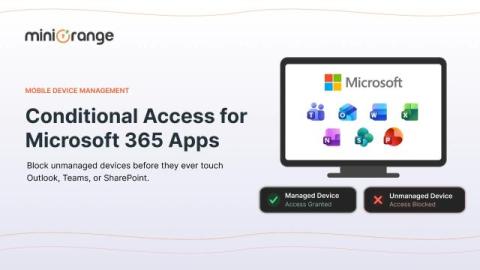
How Conditional Access Protects Microsoft 365 Apps From Unmanaged Devices

Your sales representative logged into Outlook from a coffee shop laptop that isn't enrolled, isn't encrypted, and hasn't seen a security patch in eight months. Should Microsoft 365 let that sign-in through just because the password was correct? That single question is why conditional access exists. Passwords tell you who someone claims to be. They say nothing about whether the device behind that login is safe to trust with your company's email, SharePoint files, or Teams chats.

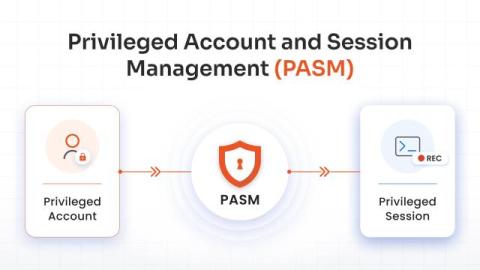
Privileged Account and Session Management (PASM) Explained

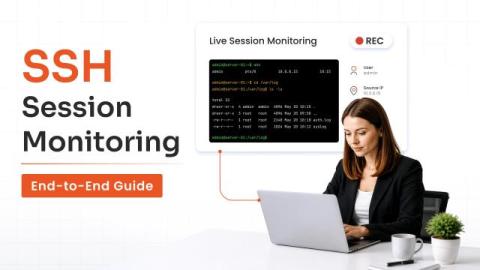
Privileged accounts have elevated access that can be used to rewrite system configurations, alter sensitive databases, create new admin users, and exfiltrate confidential customer data. This makes them attractive targets for attackers and risky when poorly managed. Basic passwords and network firewalls aren’t enough to protect them. You need to monitor them continuously. This is where Privileged Account and Session Management (PASM) becomes essential.

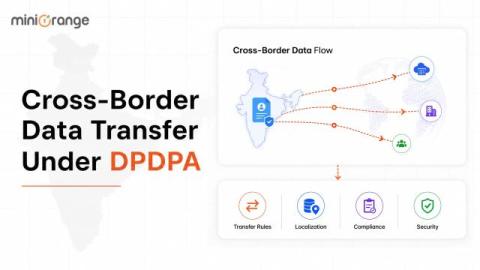
Cross-Border Data Transfer Under India's DPDPA

Businesses operating across countries routinely move personal data between India and overseas systems. Customer information may be stored by a global cloud provider, employee records may be accessed by an international headquarters, or an Indian business may use SaaS platforms whose infrastructure is located outside the country.

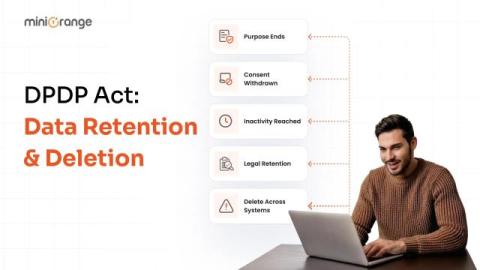
Data Retention Policy Under the DPDP Act: How Long You Can Keep Data and When to Delete It

How long should an organization keep personal data? Under the DPDP Act, the answer is not simply one year, three years, or any other fixed period. The right retention period depends on why the data was collected, whether that purpose still exists, and whether another law requires the organization to keep it.

What Are the Best Plugins for Implementing SSO on WordPress?

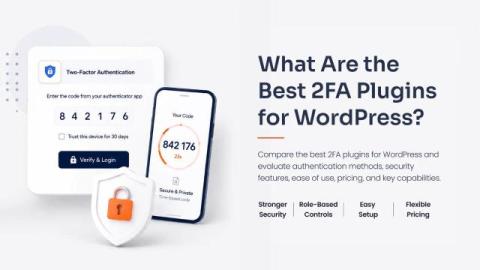
Two-factor authentication (2FA) gives your WordPress login an extra verification step beyond the password. If someone gets hold of a password, they still need the second factor to access the account. This makes 2FA particularly useful for administrators, editors, store managers, members, and other users with access to important site functions. The right 2FA plugin depends on your site, user base, and the level of control you need over 2FA.