Cybersecurity Girl's tips for a strong password #shorts
Cybersecurity Girl Caitlin Sirian offers a few tips for creating strong, unique passwords that will protect your privacy. #shorts #techtip #cybersecurity


Students can now get a free year of 1Password with the GitHub Student Developer Pack to jump-start their careers in software development.
A hardware security key, also known as a security key, is a physical form of authentication that provides you with access to systems, applications and accounts. Hardware security keys are often used as a second form of authentication or as a Multi-Factor Authentication (MFA) method. Read on to learn more about hardware security keys and the advantages and disadvantages of using them.
The U.S. federal government tends to move very slowly – except when it comes to zero-trust cybersecurity. The drive to get all agencies to zero trust is cruising along at warp speed, as evidenced by White House Executive Order 14028, CISA’s Zero Trust Maturity Model, OMB OMB M-22-09 and the DoD zero trust strategy and roadmap, all of which were released within the span of less than two years.
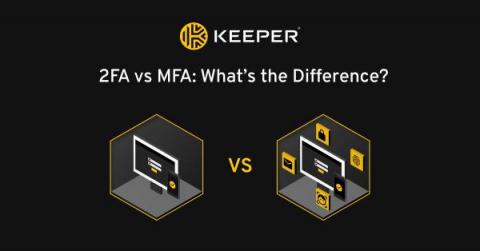
The main difference between 2FA and MFA is that 2FA requires you to use one authentication method in addition to your username and password, whereas MFA requires one or more additional authentication methods to your username and password. Read on to learn more about 2FA and MFA, and how they differ from one another.
Research shows that most of today’s cyberattacks occur when a cybercriminal gains access to a system through stolen credentials. Users with extra privileges, particularly IT administrators, are often targeted by threat actors who steal those privileges to access sensitive information and take control of systems. With an increase in virtual and hybrid work, across both the public and private sectors, these kinds of attacks are only becoming more common.
Organizations are increasingly being held liable for breaches of employee data. But employers can take steps to mitigate the likelihood and impact of breaches. Any organization using an electronic payroll and benefits system stores and processes sensitive employee data — which covers just about every organization in operation today. There are many risks related to a cyberattack that compromises employee data, including legal liability, business interruption and reputational damage.