Security | Threat Detection | Cyberattacks | DevSecOps | Compliance

Guide: Verifying Microsoft Verified ID with a WordPress Plugin | Digital & Decentralized Identity

Follow our step-by-step instructions to set up and verify Microsoft Verified ID using a WordPress plugin. We’ll cover everything from plugin installation to configuration, so you can confidently manage digital identities on your site.

How to upload Internxt Drive files to WebDAV

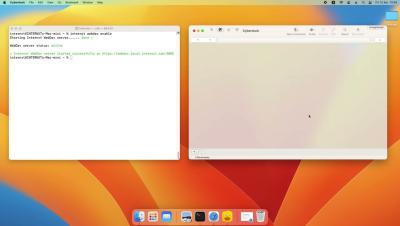
This short tutorial shows you how to upload your Internxt Drive files to your preferred WebDAV server via the Internxt CLI to ensure your files are securely transferred and accessible. Now you are set up with the Internxt CLI and have connected to a WebDAV server, and you’re ready to get started and upload your files to WebDAV! This short video gives a quick, easy-to-follow guideline for uploading files to a WebDAV server. Uploading files is just the beginning of what you can do with WebDAV, and the Internxt CLI allows you to.

How to connect a WebDAV server to Internxt Drive

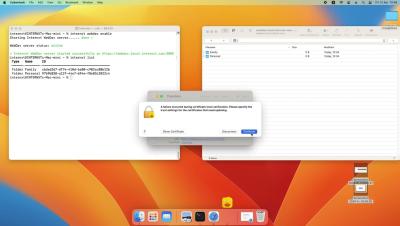
This short tutorial shows you how to use WebDAV by connecting to a WebDAV server to upload your Internxt Drive files via the Internxt CLI, ensuring your files are securely transferred and accessible. Once you have downloaded the Internxt CLI, you can connect and interact with your Internxt cloud storage via your preferred WebDAV server, we support: CyberDuck, Transmit, Cadaver, or Finder.

How to install the Internxt CLI to connect to a WebDAV client

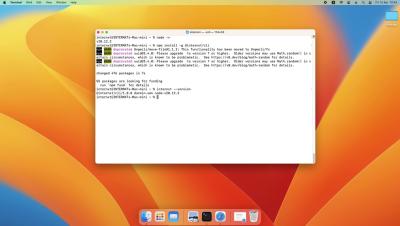
This video explains how to get started with the Internxt CLI so you can then connect to your preferred WebDAV client and manage your files via a Command-Line Interface and WebDAV for Windows and Mac. A CLI (Command Line Interface) offers precise control, security, automation capabilities, and efficiency, making it ideal for advanced users. The Internxt CLI guarantees your files' complete privacy and security, as all files are encrypted directly on your device, and no plain data is transmitted to the WebDAV server, protecting you from data breaches.


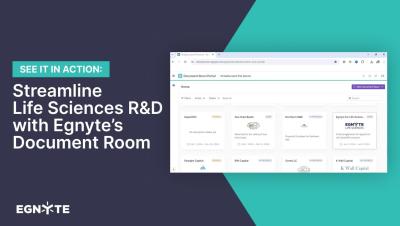
Streamline Life Sciences R&D with Egnyte's Document Room

Discover the power of Egnyte’s Document Room for Life Sciences. Our Virtual Data Room (VDR) provides a secure and compliant environment for managing controlled documents, meeting regulatory standards, and enhancing collaboration across your R&D teams. Watch this video to learn how Egnyte’s Document Room boosts transparency, safeguards sensitive data, and accelerates fundraising efforts. Streamline clinical and non-clinical workflows while maintaining the highest security standards.

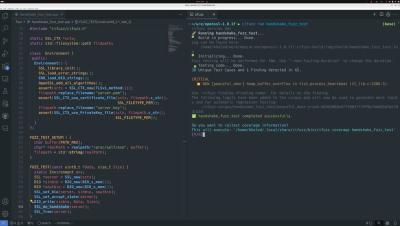
Detecting Out-of-Bounds Memory Access, Which Caused The Crowdstike's Incident

The Crowdstrike incident is a recent example of out-of-bounds memory access in C/C++ causing a crash. CrowdStrike reported that problematic content in Channel File 291 triggered an out-of-bounds memory read, leading to a Windows operating system crash (BSOD). Another critical example with the exact root cause is the Heartbleed vulnerability, which affected the OpenSSL library. Remarkably, fuzz testing could identify this issue in less than 10 seconds. Watch the video to see fuzz testing in action.