Security as a Service, or SECaaS, is when a security company provides organizations with cybersecurity solutions tailored to their security needs. Learn more about SECaaS, how it works and its benefits.
There are a number of ways you can secure your home WiFi network, but some of the primary strategies include turning on encryption, creating a guest WiFi network and using a strong password. Watch this video to learn more in depth about how you can secure your home WiFi.
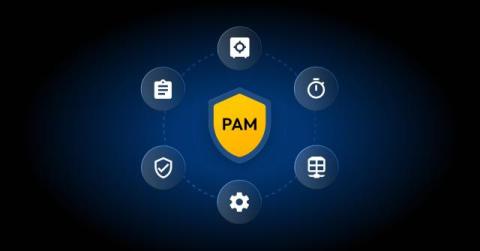
Privileged Access Management (PAM) works by controlling, monitoring and securing access to privileged accounts and resources through features such as credential vaulting, just-in-time access control, session management and automation. It enforces the principle of least privilege so that only authorized users and systems have access to sensitive data. Continue reading to learn more about how privileged access management works to protect your organization.
Ivan Kam understands that awareness is just the first step. When it comes to cyber threats, it's action that makes the difference. Keeper helps protect your information, before it's too late.
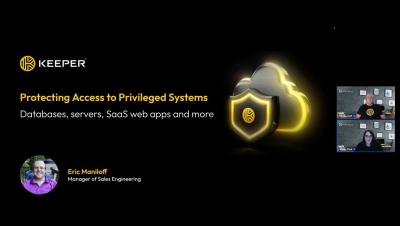
This webinar is presented by Eric Maniloff, Sales Engineer at Keeper Security, where we walk through best practices for securing privileged access, mitigating insider threats and leveraging KeeperPAM to protect your critical infrastructure.
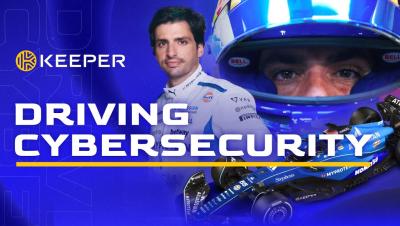
In the fast-paced world of Formula 1, every second matters — both on the track and in the cockpit. As cyber threats continue to evolve, businesses need a solution that performs at the speed of their operations. Keeper Security’s privileged access management solution protects critical data in real-time, ensuring secure access and preventing breaches. With zero-trust and zero-knowledge security, Keeper delivers powerful protection.
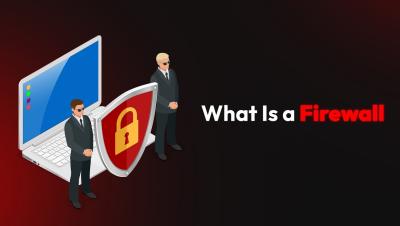
Firewalls monitor and control network traffic to prevent unauthorized access and protect sensitive data. Learn about how they work and their role in enhancing network security.
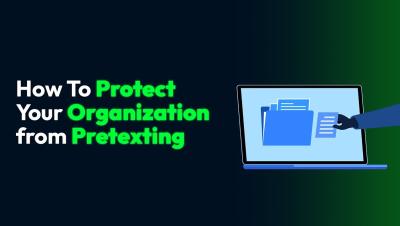
Pretexting is a social engineering attack that can trick employees into sharing sensitive information. In this quick video, learn how to protect your organization by training your team, avoiding unsolicited links and using a business password manager.
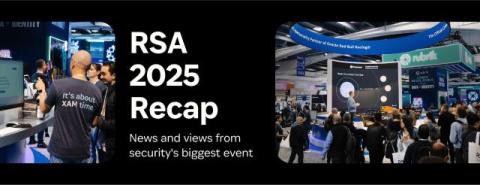
RSAC 2025 delivered an unforgettable week of cybersecurity insights and innovations. As the industry gathered to tackle the latest threats, one challenge loomed: the security risks posed by unfederated identities, unmanaged devices, applications, and AI-powered tools accessing company data without proper governance controls.
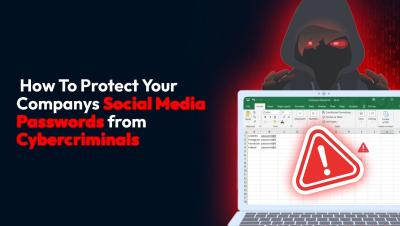
Weak or poorly managed passwords can put your business at risk of cyber attacks, data theft and reputational damage. Watch this short video to learn how to protect your company’s social media accounts with strong passwords, MFA and password managers.