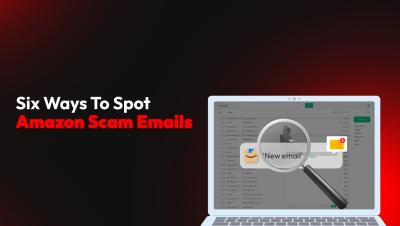
Scammers are impersonating Amazon to steal accounts and payment details. Watch this short video to learn how to spot fake Amazon emails and keep your online account secure.
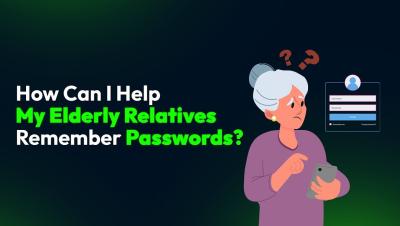
Helping elderly relatives remember passwords can be challenging, but a password manager like Keeper can help. Watch this short video to learn how to create an easy-to-remember master password and why password books aren’t the best choice for your loved ones.
If you suspect your child’s identity has been stolen, take action immediately! Watch this short video to learn how to check for fraud, report the theft and protect your child’s identity.
Weak passwords are the biggest security risk to your business and can lead to devastating data breaches. Watch this short video to learn how to enforce strong password security policies and protect your business.
Malware is everywhere, and cybercriminals are constantly finding new ways to spread it. From phishing emails and fake websites to drive-by downloads and exploit kits, no one is safe without proper protection. In this video, we’ll break down how malware spreads, how to detect if your device is infected and the best ways to protect yourself.
Cybercriminals have various tricks up their sleeves. Learn about the different types of online scams, what to do if you are a victim and how to avoid falling for one.
SaaS sprawl and shadow IT create significant security vulnerabilities, exposing organizations to unmanaged apps, unauthorized access, and compliance risks. It’s simply not enough to secure access to the applications you’re actively managing. You also need to secure everything else. That’s one of the reasons we acquired Trelica earlier this year. Organizations must be capable of identifying and managing applications that are used outside of IT and security’s purview.
A hacked Apple ID can lead to stolen personal data, financial loss and even being locked out of your own devices. In this video, we’ll show you five warning signs your Apple ID has been hacked and the crucial steps to take if it happens to you.
Protect your online accounts with Two-Factor Authentication (2FA) by adding another layer of security to keep hackers out. Watch this short video to learn what 2FA codes are, how they work and why you should use them.
Ever had your phone act like it has a mind of its own? Pop-ups? Sudden shutdowns? Your battery is draining in record time? You might be dealing with spyware. Watch this video to learn the signs of spyware and how to remove it from your device.