
Detailed Guide to Free Website Hosting and Domain Services
How Free Hosting Actually Works
Shared servers and the free model
Free hosting operates by placing many websites on a single, powerful server. This is known as shared hosting. Because you are sharing the server's memory and processing power with other users, the provider can keep costs at zero for you.
Many people assume free hosting is just a temporary trial, but some providers offer this as a permanent service. Instead of forcing ads onto your website, these providers often generate revenue through advertisements on their own main website or within the control panel you use to manage your files. This model allows them to keep your site ad-free while still covering the costs of the hardware and electricity.
What you typically get included
Most reliable free hosting plans offer a standard set of tools to get you started. You will often find:
- Storage: Around 5 GB of disk space is common.
- Bandwidth: Many provide unlimited or unmetered bandwidth, though this is usually subject to "fair use" policies to prevent one site from slowing down the entire server.
- Dynamic Support: Support for PHP and MySQL is standard, which allows you to run content management systems like WordPress.
- Security: Free SSL certificates are almost always included to ensure your site uses a secure HTTPS connection.
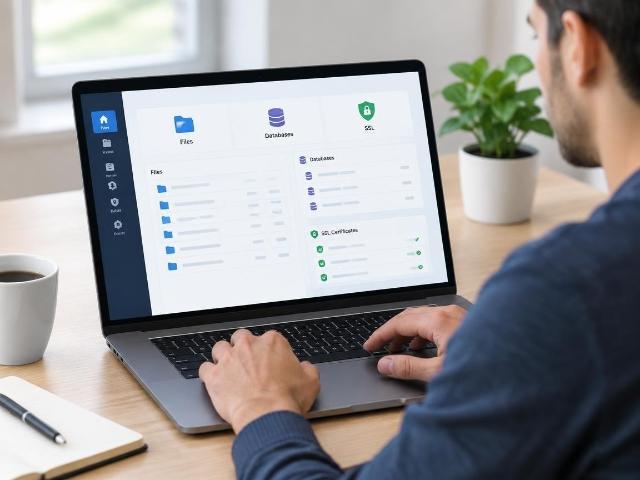
- Management: You get access to an online file manager or FTP credentials to upload your website files.
Why providers offer it
Providers offer these services for a few reasons. First, they believe that everyone should have the chance to build an online presence regardless of their budget. Second, it serves as a "pipeline." As your project grows in popularity, you may eventually need more power, faster performance, or dedicated support. When that time comes, these providers hope you will choose to upgrade to their paid premium plans.
Choosing Between Builders and Traditional Hosting
No-code builders for simple sites
Website builders are designed for users who do not want to touch code. They provide a visual interface where you can drag and drop images, text blocks, and buttons. These platforms usually come with pre-made templates that are already optimized for mobile devices. They are excellent for simple portfolios or small business landing pages, as they often include built-in SEO tools to help you get found on search engines.
Traditional hosting for WordPress and custom code
Traditional hosting gives you more technical control. You can upload your own files via FTP, create multiple databases, and use "one-click" installers to set up applications like WordPress, Joomla, or Drupal. This approach is better for developers or those who want to learn how the web works behind the scenes. You have access to server configuration files like .htaccess, which allows for advanced customization of your site’s behavior.

Comparing the two approaches
Choosing between these two depends on your goals.
|
Feature |
Website Builder |
Traditional Hosting |
|---|---|---|
|
Coding Needed |
None |
Optional |
|
Cost |
Free (with upsells) |
Free (with upsells) |
|
Custom Domain |
Often restricted |
Usually supported |
|
Ecommerce |
Built-in tools |
Plugin-based |
|
Control |
Limited |
High |
Questions to ask before choosing:
- Do I need to learn how to code?
- Does my site need a specific database-driven application?
- Am I comfortable managing my own files and security updates?
- Do I want to own my site's data completely, or am I okay with the builder's proprietary format?
Domains, Subdomains, and What You Really Own
Free subdomains vs custom domains
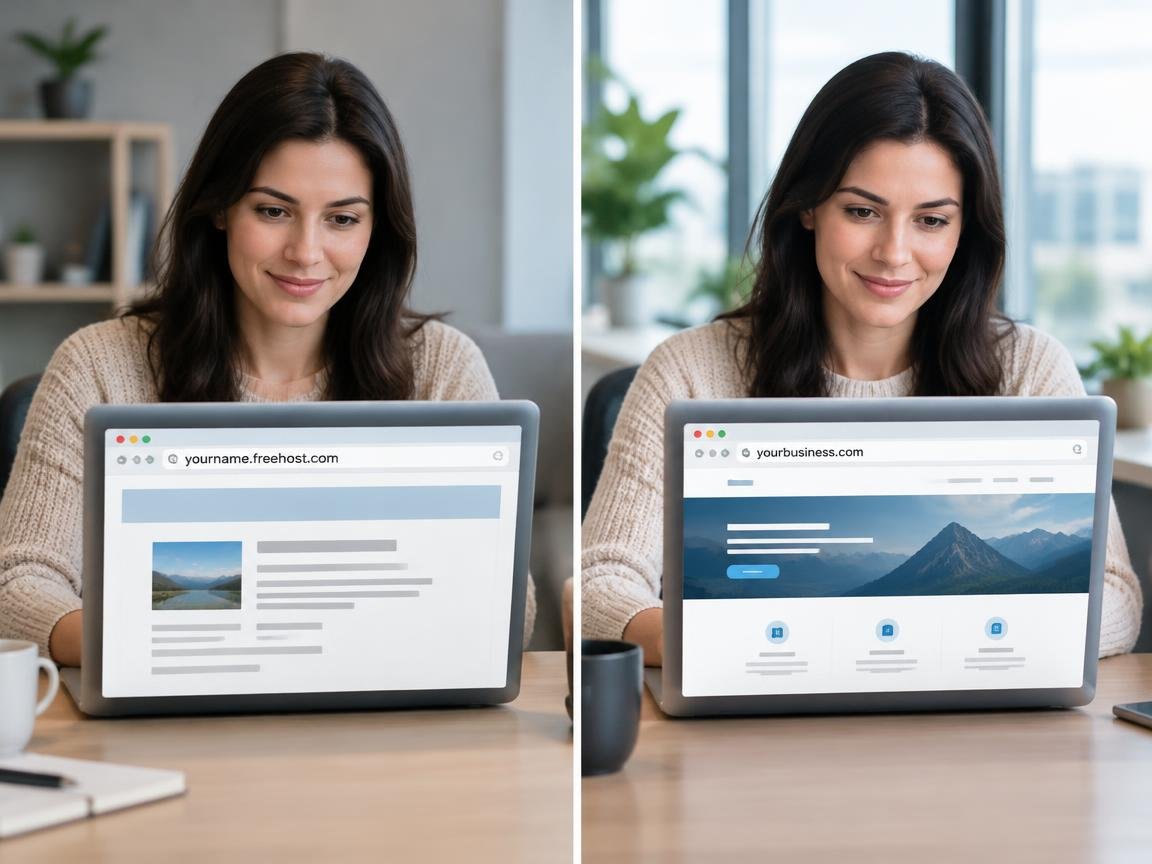
When you sign up for free hosting, the provider will usually give you a free subdomain. This looks likeyourname.provider-domain.com. It is the fastest way to get online, but it does not look very professional. A custom domain, such asyourbusiness.com, provides better branding and builds more trust with your visitors.
Registering a domain separately
Most free hosting providers do not give away custom domain names for free. You will likely need to register your own domain through a separate registrar. This typically costs around $15 per year. Once you own the domain, you can "point" it to your free hosting account by changing the DNS settings. If you use a custom domain, you will often need to install the SSL certificate yourself through your hosting control panel, whereas subdomains usually come with SSL pre-configured.
SEO and branding trade-offs
Using a subdomain can limit your search engine visibility, as search engines often associate the domain's reputation with the provider rather than your specific site. A custom domain is yours to keep, regardless of which host you use. This makes it easier to move your site in the future without losing your branding or your hard-earned SEO ranking.
Limits, Security, and Hidden Costs to Watch
Storage, bandwidth, and fair-use limits
While a plan might advertise "unlimited" bandwidth, there are almost always hidden limits. Providers monitor CPU usage, the number of files (inodes), and database size. If your site suddenly gets a spike in traffic, the provider may temporarily suspend your account to protect the server. Additionally, most free plans require your website to receive at least a few hits every month to remain "active." If you abandon the site, the provider may delete it.
Ads, branding, and upgrade prompts
Be careful with providers that force ads onto your pages. These can clutter your design and look unprofessional. Always check the terms of service to see if the provider reserves the right to place banners or pop-ups on your site. If a provider asks for a credit card just to start a "free" trial, be aware that you might be charged automatically once the trial period ends.
SSL, backups, and account activity rules
Security is your responsibility on free hosting. While SSL is usually provided, you must ensure that your CMS (like WordPress) and all plugins are kept up to date. Free plans rarely include automated daily backups, so you should manually back up your database and files frequently. If your site gets hacked, you are often on your own to fix it.
When Free Is Enough and When to Upgrade
Good fits for students, hobbyists, and testing
Free hosting is perfect for learning. If you are a student studying HTML, CSS, or PHP, having a live environment to practice your code is invaluable. It is also a great "sandbox" for developers to test new designs or plugins before pushing them to a live, professional site. For small clubs or local community groups, a simple site on free hosting is often all that is needed to share meeting times and contact information.
Warning signs for business and ecommerce sites
If you are running a business, free hosting is rarely the right choice. If your site experiences high traffic, you will quickly hit CPU limits, causing your site to crash or load slowly. Free plans also lack professional features like custom email addresses, SSH access for advanced management, and cron jobs for scheduling tasks. If you are taking payments, you need a high level of reliability and security that free tiers simply cannot guarantee.
Moving to secure web hosting for growth
When your project begins to attract a steady stream of visitors, or when your business needs a professional, reliable foundation, it is time to move beyond the constraints of free tiers. A professional project requires more than just space on a server; it needs proactive protection and expert management. For those ready to transition, you can explore secure web hosting through services that provide end-to-end development, cybersecurity, and custom app support to ensure your digital presence is robust and scalable.
Final Thoughts
Free website hosting is a fantastic tool in 2026 for anyone looking to experiment, learn, or launch a small, non-critical project. It removes the financial barrier to entry and lets you see your work live on the web in minutes.
However, it is not a long-term solution for professional business sites. Before you start, define your goals. If you are just starting out, a free subdomain and a basic plan are plenty. If you have plans to monetize or grow a brand, start with a custom domain and keep a plan in place to upgrade to professional hosting as soon as your project gains traction. By picking the right tool for your current stage, you set yourself up for long-term success.