
How to Use AI to Turn Images into Engaging Video Content

Video has become one of the most effective ways to communicate online. From social media posts to product promotions, businesses and creators increasingly rely on video to capture attention and reach wider audiences.
However, producing video content can take significant time and resources. Writing scripts, recording footage, editing clips, and adding effects can quickly turn a simple idea into a lengthy production process.
Image to video AI generators offer a practical alternative. These tools can transform existing images into short, dynamic videos, helping users create engaging content faster without requiring advanced video editing skills.
Why Turn Images into Videos with AI
Turning an image into a video can make existing visual assets more useful. Instead of creating every video from scratch, users can add movement and visual effects to photos, product images, illustrations, and other static content.
|
Key Area |
Traditional Video Editing |
AI Video Generation |
|
Workflow |
Multiple manual production steps |
Simplified, automated workflow |
|
Time |
Longer production and editing time |
Faster content creation |
|
Skills |
Requires video editing experience |
Suitable for beginners |
|
Creativity |
Relies on available footage and editing resources |
Can create motion from existing images |
|
Effects |
Manually applied transitions and visual effects |
AI-generated motion and effects |
|
Asset Reuse |
Limited use of static images |
Turns existing images into dynamic video content |
Step-by-Step Guide to Create Engaging AI Video Content
Creating an engaging AI video from an image does not require a complicated production setup. The key is to choose a suitable tool, start with a strong source image, and provide clear instructions about the movement you want to create.
Choose the Right AI Video Generator
Start by choosing an AI video generator that is simple, fast, and flexible. Vimi stands out as it offers a wide range of templates, easy image-to-video creation, fast generation, and high-quality results, helping users turn images into engaging videos with less effort.
Upload a Clear and Suitable Image
The quality of the source image has a direct impact on the final result. Choose an image with a clear subject, good resolution, and a relatively clean composition. Product photos, portraits, illustrations, and lifestyle images can all work well as starting points.
Describe the Movement You Want
Instead of describing the entire image again, focus your instructions on motion. For example, you can request a slow camera zoom, natural subject movement, gentle background motion, or a cinematic camera effect. Clear prompts usually produce more controlled results.
Generate and Review the Video
Once the image and instructions are ready, generate the clip and review the result carefully. Look for unnatural movements, distorted objects, inconsistent facial features, or unwanted background changes. If the result does not match the original image, adjust the motion instructions and generate another version.
Refine and Export the Final Clip
AI generation often works best through quick iterations. Try different motion styles and templates until the result fits your purpose. Vimi's simple workflow and image-to-video capabilities can help users create professional-looking clips without spending hours on traditional editing.
Best Practices for Creating AI Video Content
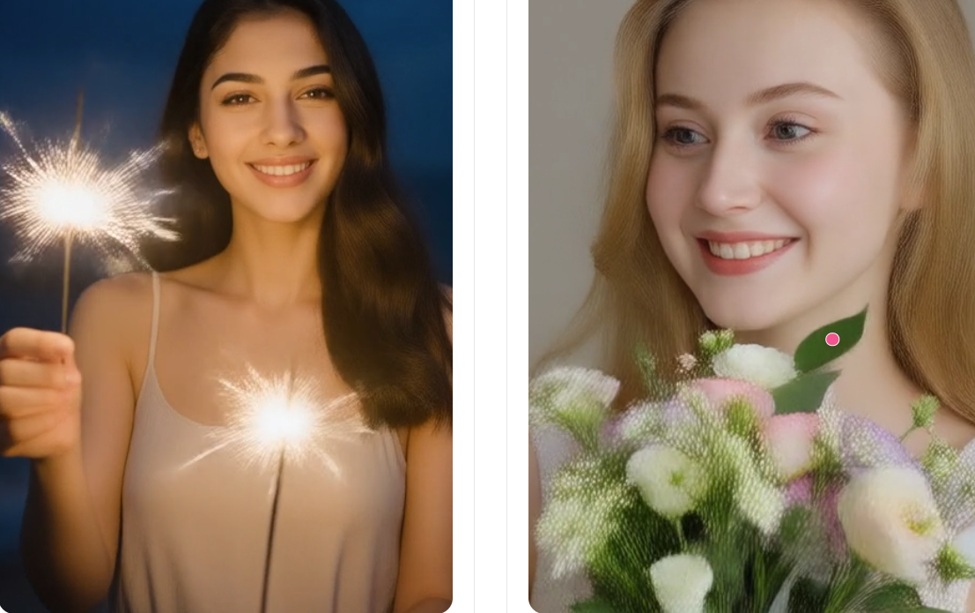
Start with the image rather than the effect. A clear subject, balanced composition, and suitable resolution give the AI a stronger visual foundation. Images with excessive clutter or unclear subjects can be harder to animate naturally.
Keep motion realistic and purposeful. Adding too many movements at once can create visual artifacts or make the video look artificial. Simple camera movement, subtle subject animation, and controlled transitions often produce more convincing results.
Think about where the video will be used before generating it. A short social media clip may need a different pace and framing from a product demonstration or presentation. Creating several versions and comparing them can also help identify the most effective result.
Potential Risks of Using AI and How to Avoid Them
AI video generation is convenient, but it also raises security and content-related concerns. Uploaded images may contain personal information, recognizable individuals, private locations, or confidential business materials. Users should also consider copyright, ownership, and how platforms handle their data.
To reduce these risks:
- Avoid sensitive information: Do not upload confidential documents, private photos, or unnecessary personal data.
- Check data policies: Review how uploaded content is stored, processed, and retained.
- Respect consent: Get permission before using another person's image or likeness.
- Review usage rights: Check copyright and commercial-use terms before publishing.
- Verify the output: Review AI-generated videos for visual errors or misleading content before sharing.
In Conclusion
AI makes it easier to turn existing images into engaging video content without the time and complexity traditionally associated with video production. With a suitable image, clear motion instructions, and the right AI video generator, creators and businesses can produce professional-looking clips more efficiently. At the same time, reviewing privacy, ownership, and content risks remains an important part of using AI responsibly.